myTeam is a corporate collaboration software application that implements the PDC (Plan-Do-Check) cycle for business process management via an unified and structured communication framework. It is composed of a core module for collaborative work management to witch several operational and control feature modules can be added.
Product Details Contact usmyTeam app provides process collaboration and execution features for teams that require ubiquitous business information access.
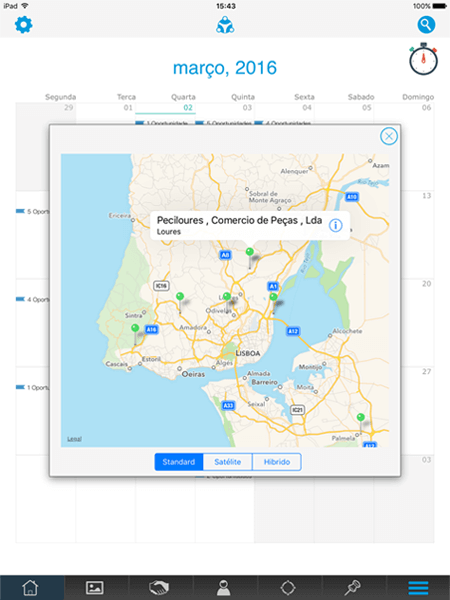
The calendar displays the appointments, planned visits and ongoing activities. The sites to visit or the customer to reach are also displayed on the respective day of the calendar.
Key Features:
→Creating and editing appointments, visits or activities;
→Delegating activities and checking their status;
→Viewing by search criteria or object type;
→Ability to create recurring objects.
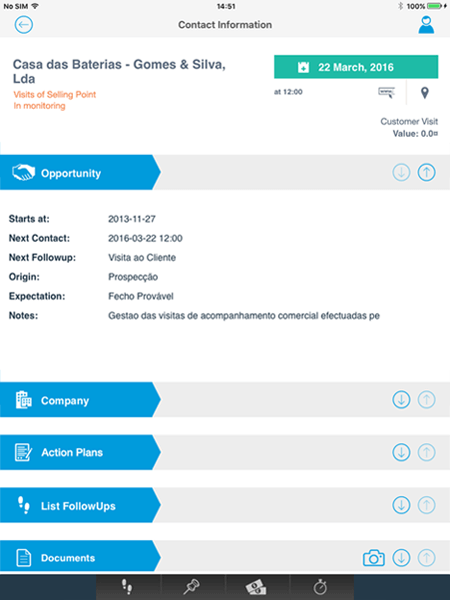
The customer’s record collects, in real time, all the information associated with the customer.
Key Features:
→Contacts and follow-ups;
→Activities and events;
→Active processes;
→Installed equipment;
→Contracts and documents;
→Photos;
→Commercial statistics;
→Financial statistics.
The app provides access to the myTeam for Business process engine. This allows the creation of new processes, based on predefined types, or access to ongoing processes. It also allows creating or accessing information associated with a process, such as documents or forms.
Key Features:
→Creating and viewing processes;
→Creating sub-processes;
→Checking status and service levels;
→Creating and viewing documents and forms;
→Viewing metrics and indicators.
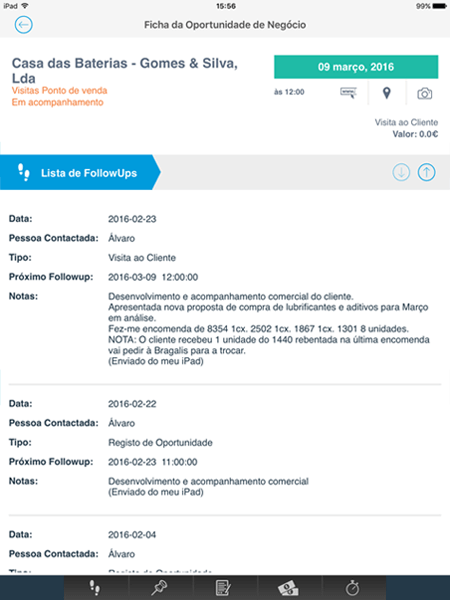
The visit report is registered via a follow-up. The follow-up encloses, besides the details of the visit, the necessary information to identify the next follow-up, such as the date and the follow-up type.
Key Features:
→Follow-up creation and registration;
→Association of the follow-up with the visited customer;
→Setting the date and type of the next follow-up;
→Visit history lookup.
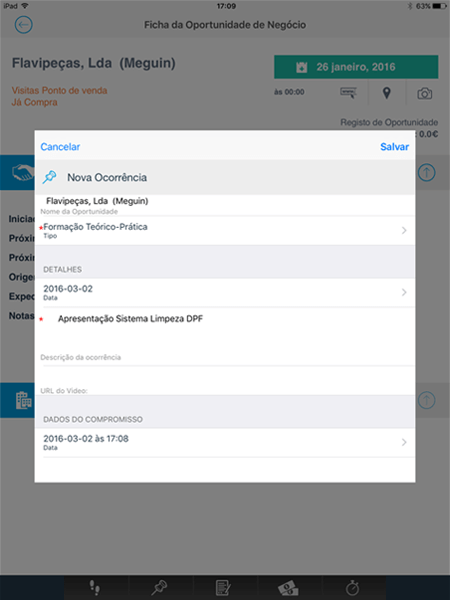
During a sales visit, a situation may occur that ought to be registered in the customer’s history, or that requires the attention of the back-office team.
Key Features:
→Creating and viewing events and activities;
→Delegating events and activities;
→Resolving activities;
→Checking service levels.
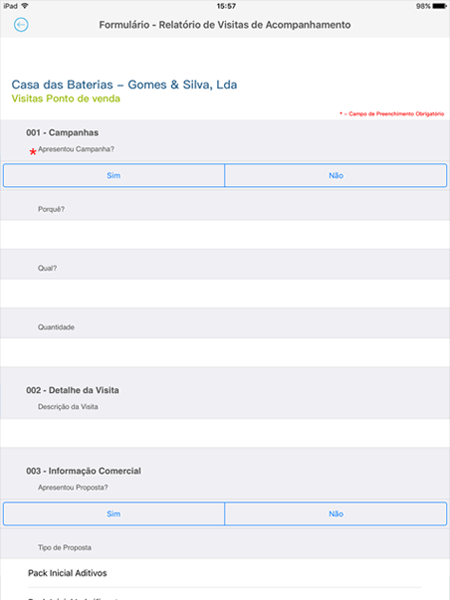
The forms collected at sales visits will be used to improve the information about the customer.
Key Features:
→Form collection;
→Form lookup;
→Associating forms with different business objects;
→Checking indicators.
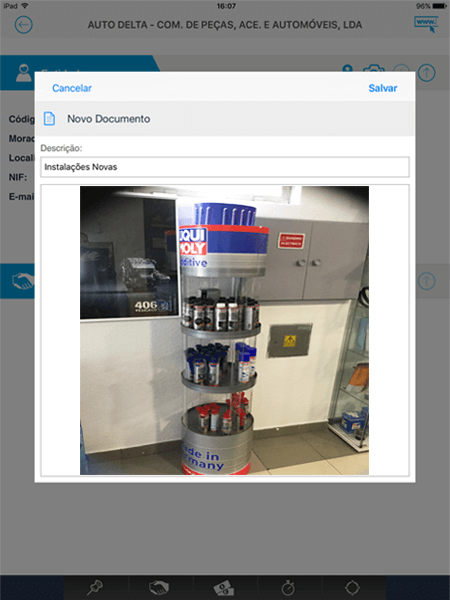
The photos taken during the sales visit may be associated to a customer/business opportunity/process.
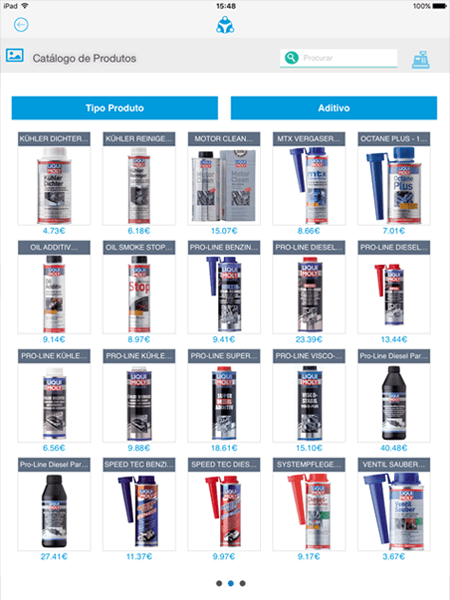
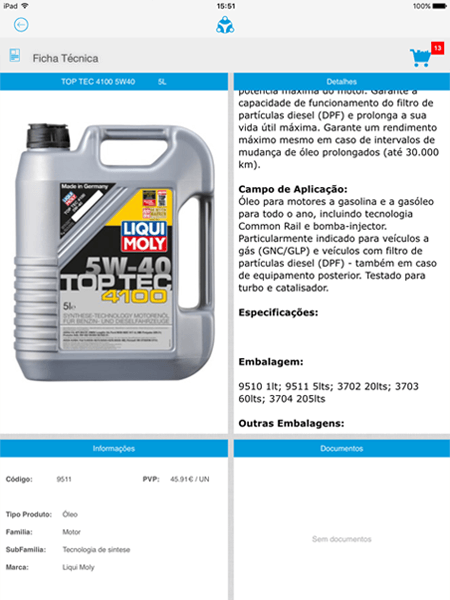
Product portfolio presentation via a catalog. It allows the user to present the products in an easy and intuitive way, displaying the technical details, images and the associated documents.
These documents may take the form of video, websites, .pdf or MS Powerpoint.
Key Features:
→Viewing products and their details;
→Selecting a set of filters for advanced search;
→Customizable presentation and listing;
→Real-time stock lookup;
→Viewing indicators and statistics.
Selection of products from the catalog and automated addition to shopping cart, presenting quantities, prices and discounts. Transformation of shopping cart into different documents: Orders suggestion; Quotes; and Stock audits; that may be printed or sent to customers.
Key Features:
→Viewing products based on purchase criteria;
→Consumption simulation with pricing and discounts;
→Automatic creation of administrative and commercial documents.
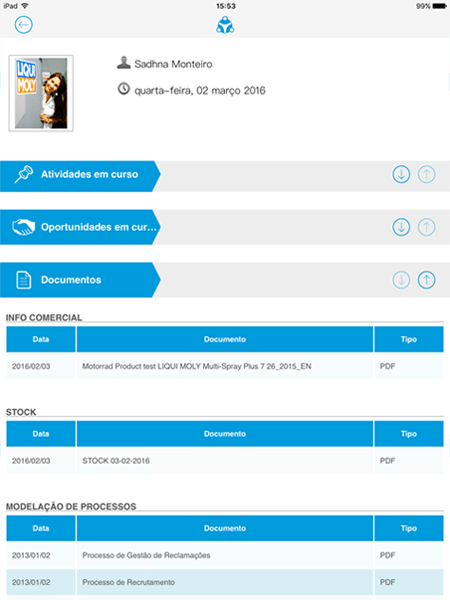
Digital contents, available to consult or present to customers.
Key Features:
→Creating different document types;
→Viewing and associating documents with different business objects;
→Checking access and version history;
→Advanced document search;
→Viewing indicators and statistics.
If you could already use myTeam for Business on any computer, with or without an internet connection, now — whether on iPad, iPhone, Tablet or Android Smartphone — you can install our app and manage your business wherever you are.
The myTeam for Business app, for iOS and Android, lets you work online and offline, giving your team countless features for tasks related to collaboration and business process execution.